

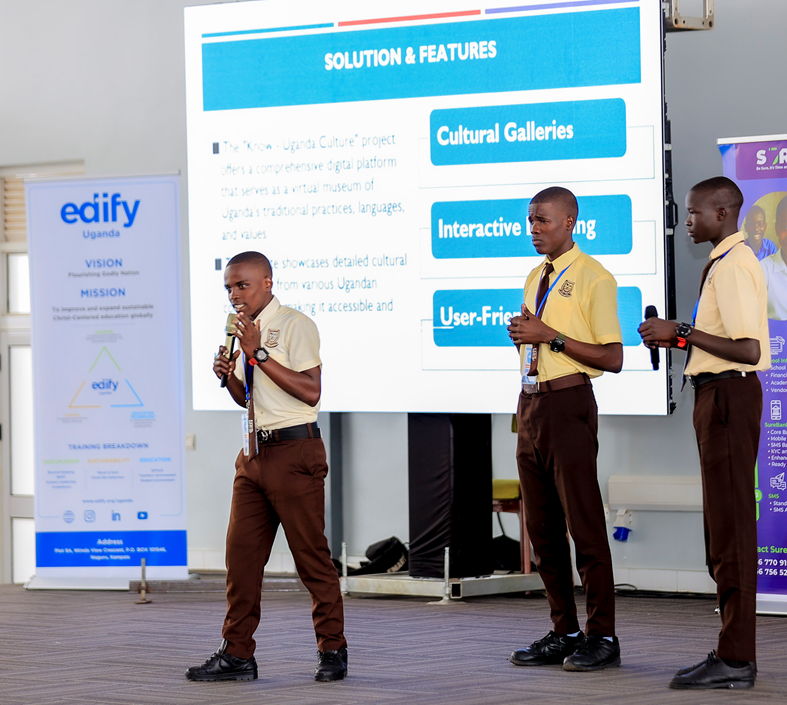
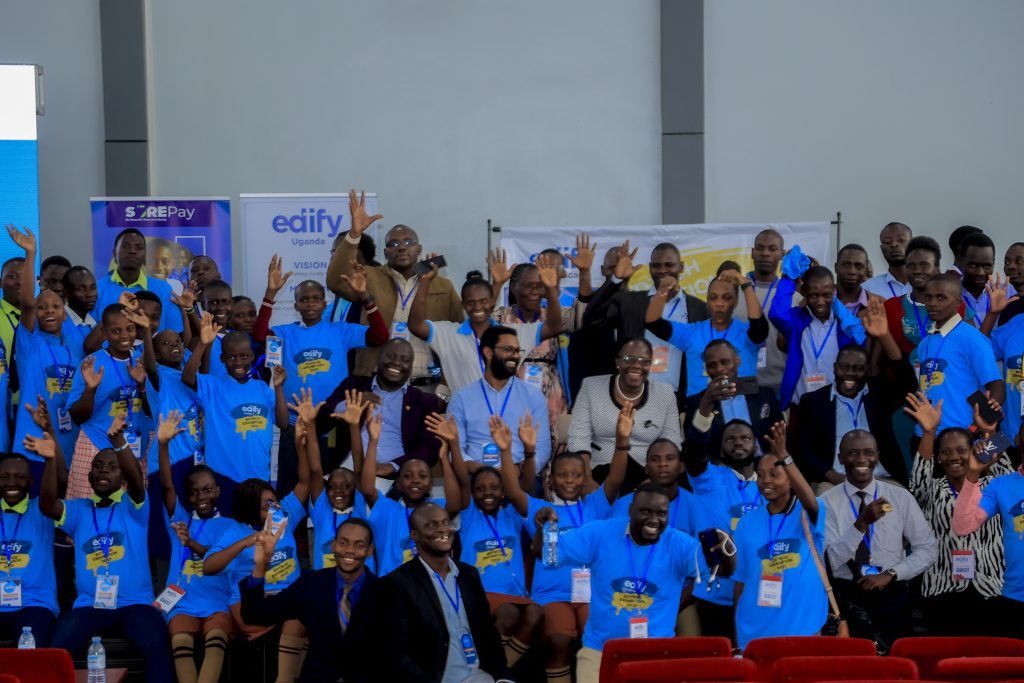
The inaugural Edify EdTech Exhibition 2025 was a resounding success. Over 100 Edify partner schools across Uganda submitted innovative learner-led projects. Twenty schools reached the grand finals at the National ICT Innovation Hub in Nakawa, Kampala. Students showcased creativity, technical skills, and deep integration of Christian values. Winners received laptops, projectors, smart TVs, trophies, and certificates. All participants gained confidence, new digital competencies, and recognition for addressing real community challenges through technology.
The 2026 edition takes this momentum forward. It is bigger, bolder, and even more focused on long-term impact. We invite all Edify partner primary and secondary schools in Uganda to participate. This is your opportunity to transform Christ-centered education with technology and position your learners as innovators who solve problems while living out biblical values.
The 2026 Theme: “Transforming Christ-centered Education with Technology”

This theme calls learners to use digital tools not just for fun or grades, but to transform how Christian education is delivered, experienced, and shared.
Projects must:
- Solve real problems affecting learners, schools, churches, or communities.
- Demonstrate clear technological innovation.
- Explicitly integrate Christian values (service, integrity, stewardship, compassion, excellence, prayer, discipleship, etc.).
- Align with the new Ugandan curriculum and the Sustainable Development Goals (SDGs).
- Show sustainability — how the solution can continue beyond the exhibition.
Every project should answer: “How does this technology make Christ-centered education more effective, accessible, engaging, or impactful?”
Step 1: Establish or Strengthen a School-Based EdTech / ICT Club
The best projects come from active, well-run clubs. Edify strongly recommends every partner school establishes (or revives) an EdTech / ICT Club immediately.
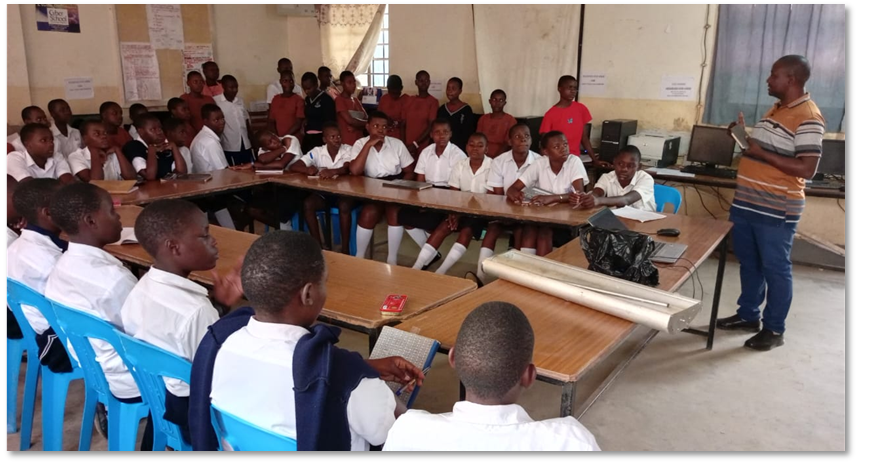
What are EdTech Clubs? Student-driven clubs focused on integrating technology into school projects. They encourage creativity, problem-solving, and collaboration through multimedia, coding, robotics, and digital content creation.

Relevance of EdTech / ICT Clubs (9 key benefits)
- Build generic skills and confidence in learners.
- Spur creativity and innovation.
- Develop critical thinking and problem-solving mentality.
- Integrate ICT across the new curriculum.
- Foster interest in ICT careers.
- Encourage collaboration, teamwork, and peer learning.
- Empower learners to address real community issues in line with SDGs.
- Incubate projects for science fairs and exhibitions.
- Develop 21st-century global citizenship with Christ-like character.
Benefits for Schools and Teachers
- Raises the school’s STEM profile and academic performance.
- Enables interdisciplinary teaching.
- Students can present projects on Speech Day to impress parents.
- Teachers gain international opportunities and professional development.
How to Start and Run a Club – Detailed 10-Step Process
- Document clear aims, objectives, and planned activities.
- Share the club proposal/constitution with school administration for formal approval.
- Share with interested students and form a steering committee (membership across classes).
- Develop a one-year work plan/action plan and share with all members.
- Dissolve the steering committee and elect officials (chairperson, secretary, treasurer, etc.).
- Hold regular meetings with clear agendas.
- Keep detailed records: minutes, reports, photos, videos.
- Run activities at all times — stay relevant and align with SDGs.
- Keep every member active; work as a team and support one another.
- Publicise key outputs on YouTube/internet and seek exhibitions/competitions.
Download 2026 Sample Club Consitution (available now on edify.org.ug/downloads):
Suggested Club Activities (run these weekly)
- Touch Typing
- Drawing and Design
- Algorithm Development with Scratch
- Blogging and publishing online
- Presentation and collaboration skills
- Lab care and maintenance
- Programming (MIT App Inventor, PHP, JavaScript, Python, etc.)
- Web Design (HTML/CSS, WordPress)
- Creating and publishing project videos
- Desktop publishing
- Robotics
- etc
Project Categories for 2026 (Four Product Categories)
All projects must align with the theme and include a Christian-values component.
Category 1: Multimedia. Express ideas visually. Sample Projects: educational posters, animated lessons, explainer videos, school promo videos, faith-based stories, digital campaigns, etc. Tools: Canva, Adobe Express, MS Paint, Pixlr, Tux Paint, OpenShot, CapCut, ClipChamp, Flashback Express, Animaker, Toontastic, Powtoon, PowerPoint, Google Slides. Hardware: Smartphones/tablets with cameras, computers. Skills: Creativity, storytelling, digital literacy.
Category 2: Robotics. Design, build, and program robots or hardware solutions. New curriculum STEM/ICT-integrated projects also eligible for this category. Examples: solar-powered classroom tools, automated Bible verse dispensers, fire/safety alerts, irrigation sensors, conductivity testers, smart bins, hydronic lifts, blind-assist sticks. Tools: Micro:bit, Arduino, LEGO WeDo, Raspberry Pi, MakeCode, Tinkercad, Arduino IDE. Skills: Problem-solving, logical reasoning, prototyping.
Category 3: Apps. Build mobile/web apps or games solving specific challenges. Examples: devotion trackers, prayer request boards, student planners, wellness/stress apps, Bible quizzes, healthy-eating apps, school trackers. Tools: • Block-based: Scratch, MIT App Inventor, Thunkable • Text-based: Python (Replit/Trinket), Visual Basic, C++ • Platforms: Code.org, CS First, FreeCodeCamp, W3Schools Hardware: Laptops/desktops, tablets/phones for testing. Skills: Computational thinking, entrepreneurial problem-solving.
Category 4: Websites. Build websites / web applications, systems, portals, or community platforms. Examples: Christian testimony blogs, digital health hubs, awareness sites, virtual science fairs, etc. Tools: WordPress (recommended), Google Sites, HTML, CSS, JavaScript, PHP, Python etc.. (Note: Uganda Website Projects Competition 2026 is running alongside — participate in both for excellent preparation!)
Details covered in the EdTech Clubs Course with recordings on YouTube.
The Touch-Typing Challenge
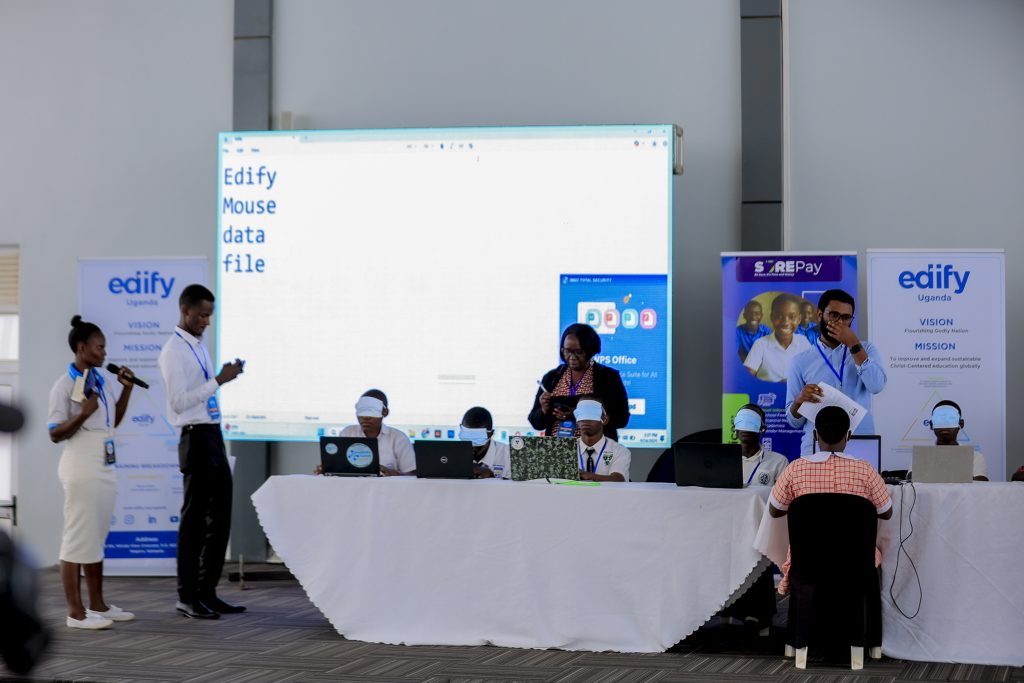
Every participating team will compete in two challenges on exhibition day:
- Challenge 1 (Speed): Type a 150-word story in 2 minutes.
- Challenge 2 (Accuracy): Type 5 words while blindfolded.
How to Prepare: Install TypingMaster immediately and practise daily in club meetings. Focus on posture, finger placement, and speed + accuracy balance. Certificates and trophies for top typists (Primary and Secondary).
Project Submission Process
- Develop your project through the club.
- Prepare your project presentation slides (pitch deck)
- Record a short demo video focused on the product features (1–2 minutes).
- Fill the official Google Form: bit.ly/edifyedtechprojects
- For web projects needing hosting: request free hosting at bit.ly/webhostingrequest
Deadline: End of Term 1 2026. Early submission is encouraged.
Recommended Pitch Deck Format (Exactly 6 Slides)
All shortlisted teams must present using this structure (PowerPoint or Canva recommended):
- Project Title & Team Introduction
- Problem Statement – Who is affected? Why does it matter?
- Solution and Features Demo Video – Play the 1–2 minute video full-screen.
- Process and Use of Technology – Steps taken and tools used.
- Impact and Benefits – Link to theme, Christian values, SDGs, sustainability.
- Conclusion – Summary + call to action.
Delivery Tips for Pitch Day & How to Rehearse
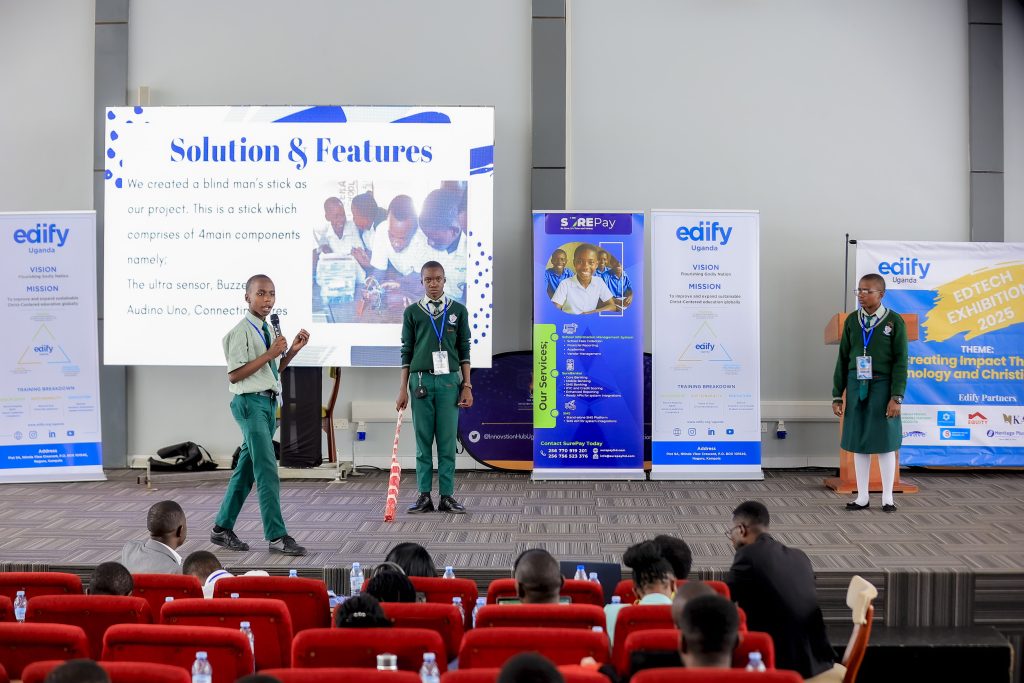
Pitch Time: 7 minutes + Q&A. Tips:
- Speak clearly, make eye contact, use natural gestures, smile, show enthusiasm.
- Tell a compelling story.
- Practise with your team multiple times (record yourselves).
- Prepare for tech failure — have backup.
Handling Questions:
- Stay calm.
- Listen fully.
- Be concise.
- If unsure: “That’s a great question — we’ll look into it further.”
Common Mistakes to Avoid:
- Reading directly from slides.
- Overloading slides with text.
- Speaking too fast/slow.
- Ignoring the audience.
- Not practising.
- Being unprepared for questions.
Final Checklist Before Exhibition Day:
- Pitch deck ready
- Demo video prepared and embedded
- Uniform/dress code ready
- Team fully rehearsed
- Arrive early, be polite, confident
Mindset: Even if you don’t win, you are still a winner. Ask for judge feedback, reflect, and come back stronger next year.
Official 2026 Preparation Roadmap (Phased Approach)
Although exact exhibition dates will be communicated soon via the portal and school letters, follow this proven roadmap:
Phase 1: 1 st Term 2026 (Foundation)
- Download sample constitution and customize for your own school club.
- Elect club officials and form project teams.
- Install tools and begin weekly club meetings.
- Start touch-typing practice.
- Brainstorm problems and Christian-values solutions.
- Build prototypes and create demo videos.
- Participate in any free Edify EdTech Clubs online sessions (announced on portal).
- Request web hosting if needed.
- Submit via your project via bit.ly/edifyedtechprojects.
Phase 2: 2nd Term 2026 (Exhibition)
- Shortlisting announced.
- Enhance and fine tune your product
- Rehearse pitches daily.
- Grand finals and awards ceremony in Jun/Jul 2025 (confirmed date and venue to be announced).
The future of Christ-centered education in Uganda is in your hands — and in your learners’ innovative projects. Let’s transform education with technology and biblical values together.
Edify Uganda In partnership with Sharebility Uganda, KAWA Uganda, TEKI Business Consult and other champions of digital transformation.
We cannot wait to see what you create in 2026!
“For we are God’s handiwork, created in Christ Jesus to do good works…” (Ephesians 2:10)
Leave a Reply